Apple’s September 2026 Event: What App Teams Should Do Next
Plan for the 7.6-inch iPhone Duo after Apple's September 2026 event. Audit app layouts, test key journeys, update screenshots and measure results with context.

Apple's September 2026 event gives app teams a practical reason to revisit their product, not just their store artwork. With iPhone Duo, the priority is to check whether a useful app remains useful as its available screen space changes. Fix the experience first. Then show the improvement in your screenshots and measure what users actually do.
For growth teams, this is a product-page decision as much as an engineering one. Our product-page conversion checklist is a useful starting point for deciding which improvements deserve space in your listing.
Key takeaways
- Audit iPhone Duo layouts and interrupted tasks before planning a redesign.
- Test narrow, expanded and changing layouts, not just a polished launch screen.
- Update screenshots when the shipped app has something useful to show.
- Separate keyword movement, store conversion and in-app behavior when judging results.
What did Apple announce that matters to app teams?
At its September 9, 2026 event in California, Apple introduced iPhone Duo, its first foldable iPhone, with a 7.6-inch inner display and a 5.4-inch outer display. Apple describes iOS 27 adapting to folding and orientation changes, alongside Split View multitasking. Availability begins October 23, giving teams a concrete date around which to plan. Developers should check the latest SDKs; Apple says iPhone Duo support in Xcode Device Hub is upcoming. Source: Apple, “Apple unveils iPhone Duo”.
Apple also announced iPhone 18 Pro and iPhone 18 Pro Max, including camera and performance changes. For a camera-heavy app or game, that merits a separate device test plan. It does not mean every business app needs new features. Source: Apple, “Apple debuts iPhone 18 Pro and iPhone 18 Pro Max”.
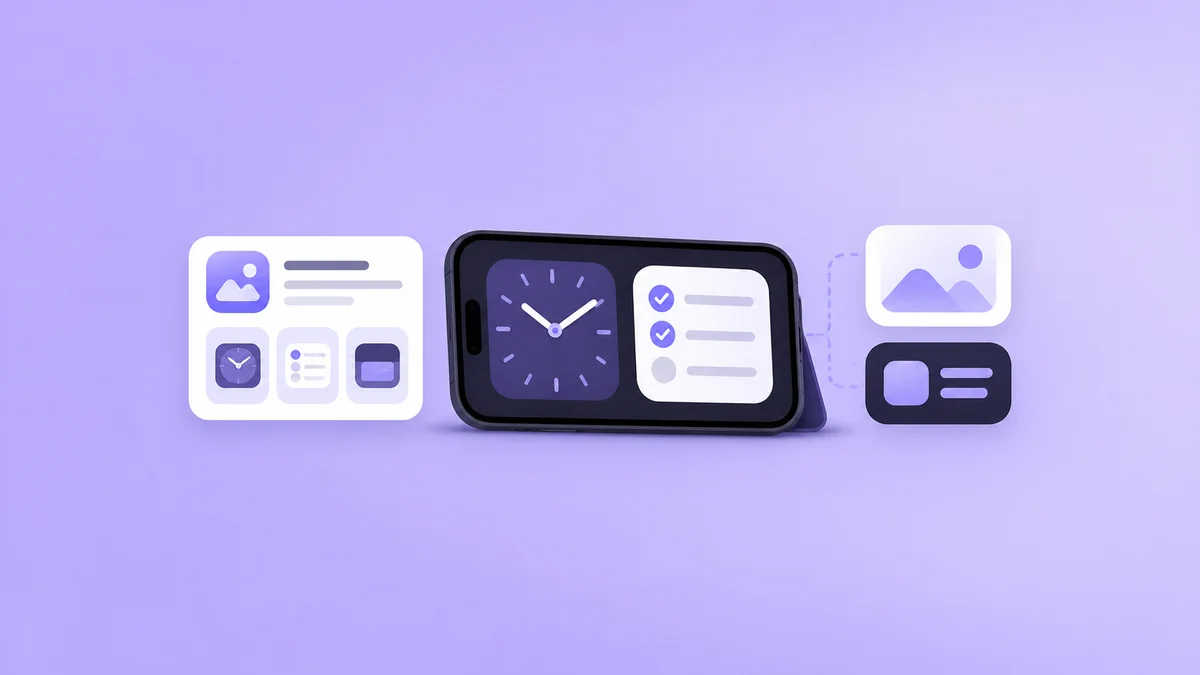
Our assessment: iPhone Duo is the announcement most likely to prompt a layout review. The checklist below is our recommended approach, not an Apple submission requirement. We have not tested unreleased hardware, and the cover is a conceptual illustration rather than an official product rendering.
Where should iPhone Duo app adaptation start?
Start with an audit, not a rebuild. Find where your app assumes that a phone always has one narrow, fixed-size canvas. A layout that already adjusts well may need targeted fixes. A screen built around fixed coordinates may need more work. The right scope comes from testing the current app, not from the device name.
Take a travel app. An expanded layout could show saved trips beside a selected itinerary. On a narrower screen, the same information could become a list followed by a detail view. The user should not lose their selected trip during that change. Make the test concrete: open tomorrow's itinerary, select a booking, change the layout, and try to retrieve the confirmation. If that forces the traveler to search again, the transition has failed even when every panel looks tidy. That is a more useful acceptance test than asking whether the expanded screen looks impressive.
Separate compatibility from enhancement. First make the existing task work without clipped controls or lost progress. Then decide whether extra space makes a second panel worthwhile. Adding panels everywhere can make a simple app harder to use.
Which iPhone Duo journeys should you test?
Test transitions during real tasks, not only static screens. A screenshot can look correct while a form loses its draft or a purchase flow hides its next button. Give QA a short list of important journeys and ask them to change the available layout midway through each one.
Use this proposed test matrix as a starting point. Run what current tools support and mark hardware-specific checks as pending until you can verify them.
| Journey | Change to test | Passing result |
|---|---|---|
| Search and browse | Move between narrow and expanded layouts | Query, filters and selected result remain available |
| Compose or sign up | Change layout while the keyboard is open | Entered text survives; the next action stays reachable |
| Play or edit media | Resize during playback or editing | Position and unsaved work are preserved |
| Subscribe or check out | Change layout before confirmation | Price, terms and confirmation remain clear |
| Read with larger text | Repeat key screens with accessibility settings | Content stays legible without overlapping controls |
Record the app build, OS version, test environment and reproduction steps for each defect. For example, “draft disappears after resizing with the keyboard open” is actionable. “Foldable support looks wrong” is not. Watch embedded web views and third-party sign-in or payment screens too. Your app shell may adjust correctly while a screen inside it does not. Retest existing supported devices after fixing those issues; a new layout should not break the current customer experience.
When should screenshots and keywords change?
Change screenshots when you can demonstrate a real benefit in the released app. A wider layout is not a benefit on its own. Comparing two documents without leaving the page, keeping an itinerary visible beside a map, or editing with clearer controls might be. These are hypothetical examples, not claims about features your app already has.
Apple's Product page optimization documentation describes testing app icons, screenshots and app previews against the original product page. It is not a keyword-field testing tool. Build a specific screenshot hypothesis, such as whether showing the comparison task communicates your app's value better than a generic dashboard. Our App Store A/B testing playbook explains how to structure that comparison.
For keywords, start with the task people need help with. “Document comparison” may describe a genuine feature; inserting “iPhone Duo” everywhere does not establish relevance. Apple's App Store search guidance emphasizes accurate, relevant metadata. Use our competitor research workflow to collect hypotheses, then check whether each term fits your product.
Do not label a build “optimized for iPhone Duo” before the relevant behavior is verified. If device-specific testing is still pending, describe only improvements you can substantiate.
How can you measure growth without confusing it with launch interest?
Keep three questions separate: are people finding the app, does the listing persuade them to download, and can they complete the task afterward? A rise in keyword position answers only part of the first question. It does not show that a new layout caused more downloads or that those users stayed.
Before shipping, save a baseline for the same keyword, country and measurement method. Annotate the release date, screenshot changes, acquisition campaigns and any pricing changes. Our rank-change measurement guide provides a baseline and annotation framework.
Then review store conversion alongside your own completion, retention and error metrics. Where your reporting supports it, compare device and OS groups separately. If the new-device group is too small, report that limitation rather than declaring a winner. A burst of launch-week interest is a reason to investigate, not proof of lasting growth.
Your next release checklist
Create one release checklist with an owner and evidence for each item. Engineering owns the layout defects, QA owns repeatable checks, and growth owns the listing hypothesis and measurement notes. Put unresolved tool or hardware checks on that list instead of silently treating them as passed.
Start with the journey most likely to lose user progress. Once it works across the layouts you can verify, capture the actual UI and decide whether it tells a better store-page story. A small, demonstrated improvement is a stronger release message than a broad compatibility claim.
Frequently asked questions
Must every iOS app be rewritten for iPhone Duo?
No blanket rewrite requirement follows from the announcement. Audit your current layouts and key tasks first. The work could range from small fixes to a larger interface update, depending on how the app is built and what testing reveals.
Can we finish all iPhone Duo checks in Xcode today?
Do not assume so. Apple's announcement describes Device Hub support as upcoming. Check the tools available to your team, test supported configurations now, and track any device-specific checks that remain unverified.
Will iPhone Duo support automatically improve App Store rankings?
There is no ranking guarantee in the announcements cited here. Treat a better app experience, clearer screenshots and relevant keywords as separate improvements, and evaluate their results rather than assuming a hardware-related boost.
Should we replace every screenshot immediately?
No. First confirm that the new UI is released and useful to show. Then test a focused change where possible. Keep existing screenshots if they still explain your app better than the proposed replacement.
Sources
Official sources reviewed September 10, 2026. The testing recommendations are editorial analysis, not results from hands-on iPhone Duo testing.
- Apple Newsroom, Apple unveils iPhone Duo, September 9, 2026.
- Apple Newsroom, Apple debuts iPhone 18 Pro and iPhone 18 Pro Max, September 9, 2026.
- Apple Developer, Product page optimization, accessed September 10, 2026.
- Apple Developer, App Store search, accessed September 10, 2026.
About this analysis: Appeak Editorial Team publishes guidance on app-store presentation and growth measurement. This article separates Apple's announcements from our proposed release checklist and does not include private customer data or claimed device-test results. About Appeak.
Put it into practice
Put your iOS research into practice with keyword campaigns for your chosen App Store storefront. New accounts receive 50% off their first order.