App Store In-App Events ASO Strategy: A Practical Playbook
Plan App Store In-App Events around real moments in your app. Learn how to choose event metadata, prepare your product page, and measure discovery and conversion without overstating results.
An app store in-app events ASO strategy is a plan for promoting timely activities through App Store event cards, using relevant titles, descriptions, and creative assets to help people discover an app or return to it. It connects each genuine event to a clear product-page journey and a measurement plan.
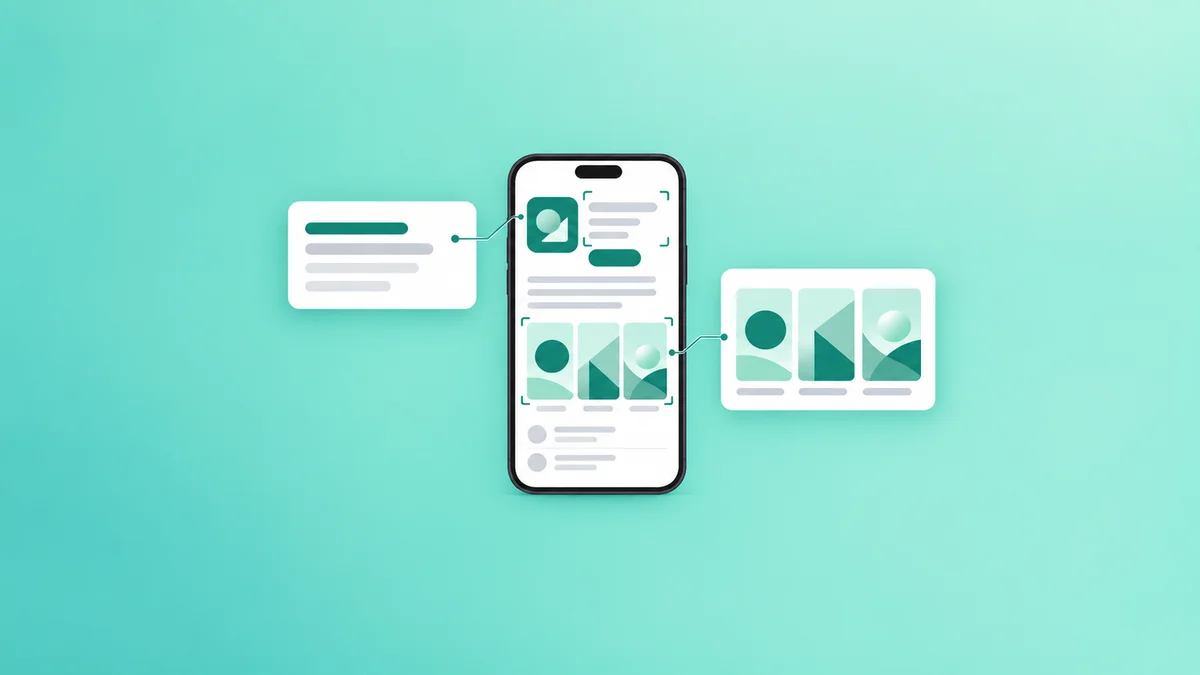
An event card gives an app another way to present a timely reason to engage. Apple says In-App Events can appear on the product page, in search results, and in editorial selections, with presentation varying by context and user. They can reach existing users as well as people who have not downloaded the app. See Apple’s In-App Events overview.
Which activities make strong In-App Events?
Choose a moment a user can recognize and act on, rather than a broad description of the app. Apple positions In-App Events around timely activities such as competitions, premieres, challenges, and major updates. The event badge should describe the activity accurately, and the event must meet Apple’s App Review Guidelines.
| Activity | Event-card angle | What the destination should deliver |
|---|---|---|
| Fitness challenge | A defined challenge with a clear start | Instructions and a way to join the challenge |
| Game competition | A tournament or competitive milestone | The relevant competition screen and entry requirements |
| Streaming premiere | A specific release or premiere | The featured content and any access requirements |
| Major app update | A meaningful feature or content release | A clear explanation of what changed and how to use it |
| Routine subscription offer | Usually a weak event angle on its own | Consider product-page or offer messaging instead |
These are planning examples, not promises of eligibility. Before building assets, check whether the activity and its presentation satisfy Apple’s event guidance and review requirements.
A strong selection process answers these questions:
- What happens? Describe the activity in one sentence without relying on a brand slogan.
- When can someone participate? Make the timing clear in the event setup and supporting copy.
- Who is it for? Distinguish a first-time visitor’s reason to download from an existing user’s reason to return.
- What happens after a tap? Confirm that the app can take the person to the relevant content or explain how to access it.
- What does success look like? Decide whether the primary question is discovery, download conversion, or renewed engagement.
How should you write event metadata for discovery?
Write the title and short description around the activity itself. If a language app runs a hypothetical pronunciation challenge, “Spanish Pronunciation Challenge” tells a prospective participant more than “Speak Better Now.” The latter describes a general benefit but does not establish the event.
Use terms that accurately match the activity and the language your audience uses. Avoid inserting unrelated search terms merely because they appear attractive. Apple’s App Review Guidelines require accurate metadata, and event relevance matters once a person reaches the app.
A practical copy review can follow this sequence:
- Write the event name as a plain description of the activity.
- Add the distinctive detail a user needs to understand the event.
- Check the title and description against the actual in-app experience.
- Remove claims about access, prizes, or outcomes that the app cannot substantiate.
- Read the card alongside the product page to make sure the messages do not conflict.
The event card is not a substitute for a clear listing. A visitor who encounters a relevant challenge still needs to understand what the app does, whether it meets their needs, and what participation involves. Use the App Store product page optimization guide to review that broader journey.
What creative assets help people understand the event?
Treat event artwork as an explanation of the activity, not just an app advertisement. A game tournament might show the competition environment and its participants; a streaming premiere might foreground the featured program. In both cases, the artwork should represent content a person can actually find after opening the app.
Apple supports event images or videos and provides asset and metadata requirements in its In-App Events guidance. Check those requirements in App Store Connect before production, including any applicable specifications and review rules.
Use this creative checklist:
- Show the activity or content that makes the event distinct.
- Make the title and artwork communicate the same promise.
- Check that important visual details remain recognizable at card size.
- Avoid implying that paid content, prizes, or features are available to everyone if access is restricted.
- Review localized copy and artwork for the markets where the event will appear.
If the event is a limited activity inside a larger app, make that distinction clear. A person should not download expecting a permanent feature when the card promotes a temporary challenge.
How do you connect the event card to conversion?
An event can attract attention without producing the intended action if the next step is unclear. Map the journey before submission: event discovery, tap, product-page or event-detail view, app download or opening, and participation. The available route can differ by placement and whether the person already has the app, so test the experience rather than assuming every visitor sees the same sequence.
For a hypothetical meditation app hosting a sleep series, the card might highlight the series while the product page explains the wider meditation library. Inside the app, the series should be easy to locate, with any subscription requirement visible before a user commits.
Review these handoffs:
| Journey step | Check | Possible friction |
|---|---|---|
| Event card | Is the activity understandable without prior brand knowledge? | A vague title attracts curiosity but not qualified interest |
| Product page | Does the listing explain the app beyond the event? | The visitor understands the event but not the app |
| App opening | Can the person find the promoted activity? | The event is buried in navigation |
| Participation | Are timing and access conditions clear? | A user discovers restrictions only after searching |
For broader product-page experiments, use the App Store A/B testing playbook. Do not assume a product-page test isolates an event card’s effect: other placements, acquisition sources, and timing may also change.
How should you measure an In-App Event?
Start with a question, then select metrics available for the relevant placement and period. Apple provides App Analytics in App Store Connect; consult its analytics overview and the reporting interface for the metrics and breakdowns currently available to your app.
A useful measurement plan separates these outcomes:
- Discovery: Look at available event exposure and engagement reporting to understand whether people encountered and interacted with the event.
- Acquisition: Examine downloads and product-page conversion in context, including the traffic sources and periods available in reporting.
- Participation: Use your own in-app analytics to assess whether people reached and joined the activity.
- Return engagement: Review whether existing users opened the app and participated, where your measurement setup supports that distinction.
Document other changes during the event period, such as paid campaigns, featured placements, or product-page edits. A lift in downloads during an event does not by itself establish that the event caused it.
For a hypothetical challenge, record the event dates, card copy, creative, acquisition activity, and participation definition before launch. Afterward, compare the available reports with an appropriate earlier period, note differences in traffic and promotion, and treat the result as evidence for the next decision, not proof of causation. The App Store Connect analytics and keyword guide can help frame the wider measurement workflow.
What are the App Store policy risks?
Platform-policy risk: An In-App Event is not an exemption from App Review. Apple’s App Review Guidelines apply to the app and its metadata, while Apple’s event guidance sets expectations for event selection and presentation.
Do not use an event card to describe an activity that does not exist, conceal material access conditions, or present ordinary promotional copy as an event without checking Apple’s requirements. Review the current guidance before submission and again when planning a materially different campaign. Approval and visibility are determined by Apple, not by the publisher’s measurement plan.
Frequently asked questions
What is an App Store In-App Event?
An App Store In-App Event is a timely activity within an app or game that a developer can promote through an event card. Examples include a competition, challenge, premiere, or major update, subject to Apple’s event requirements.
Can In-App Events appear in App Store search results?
Yes. Apple states that In-App Events can appear in search results as well as on product pages and in editorial selections, although presentation depends on the context and user. See Apple’s In-App Events overview.
Do In-App Events guarantee more downloads?
No. An event card can present a timely reason to explore an app, but downloads depend on factors including relevance, placement, product-page clarity, and the visitor’s needs. Measure event engagement and acquisition separately rather than attributing every download during the event period to the card.
Can existing users see an app’s In-App Events?
Yes. Apple describes In-App Events as a way to reach both new and existing users. An existing user may need a different message from a prospective downloader, such as a clear reason to return for the activity.
How should developers measure event participation?
Define participation inside the app, such as joining a challenge or opening a featured program, and review that action in your in-app analytics. Compare it with available App Store Connect event and acquisition reporting, while documenting other campaigns that could influence the result.
Sources
Put it into practice
Put your iOS research into practice with keyword campaigns for your chosen App Store storefront. New accounts receive 50% off their first order.